A game crash rarely tells you exactly what went wrong. You click Play, wait for the loading screen, and suddenly find yourself back on the Windows desktop. Sometimes the game runs perfectly for an hour before freezing during a mission. Other times, it refuses to launch after an update.
If Assassin's Creed Black Flag Resynced keeps crashing on your PC, repeatedly reinstalling the game or changing random settings may not get you very far. A better approach is to identify when the failure happens, determine what changed recently, and test one possible cause at a time. This guide focuses on finding the source of startup failures, unexpected desktop crashes, freezing, and black screens without making unnecessary changes to your Windows installation.
Check the Launcher and Installation
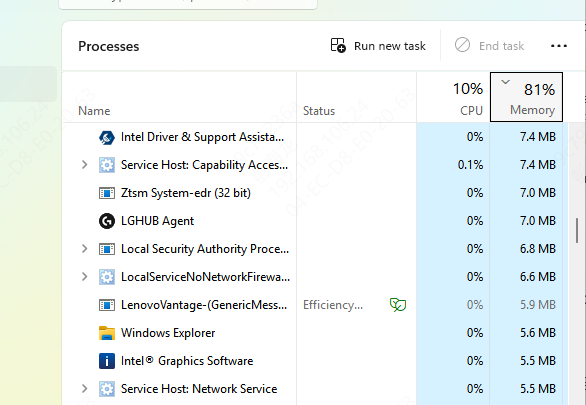
Open Task Manager with Ctrl + Shift + Esc, locate any remaining game or launcher processes, and close them if necessary.
Reopen the launcher and attempt to start the game again.
If it still fails, use the launcher to verify the installation files.
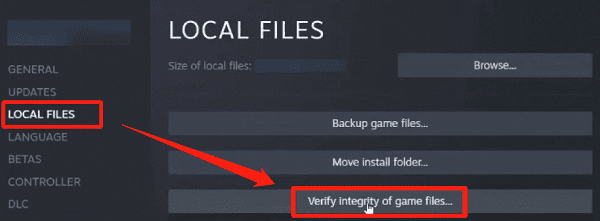
For Steam installations:
Open Steam and navigate to your Library.
Right-click Assassin's Creed Black Flag Resynced.
Select Properties.
Open Installed Files.
Choose Verify integrity of game files.
For Ubisoft Connect installations, locate the game in your library and use its available file verification option.
Examine Your Graphics Driver
If Assassin's Creed Black Flag Resynced launches successfully but occasionally returns to the desktop, graphics driver stability is worth checking.
Check Drivers with Driver Talent X
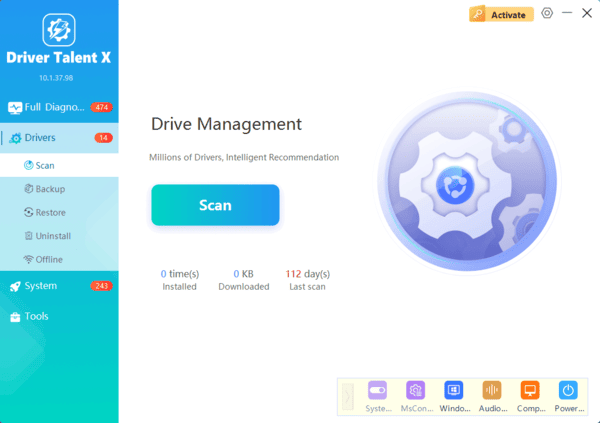
Driver Talent X can scan Windows for supported outdated, missing, or problematic device drivers.
Download Driver Talent X.
Install and open the application.
Select Scan.
Review any detected graphics driver issues.
Install a compatible driver update if one is available.
Restart Windows before testing the game.
Install a Driver from the GPU Manufacturer
If you prefer a manual approach, identify your graphics card through Device Manager.
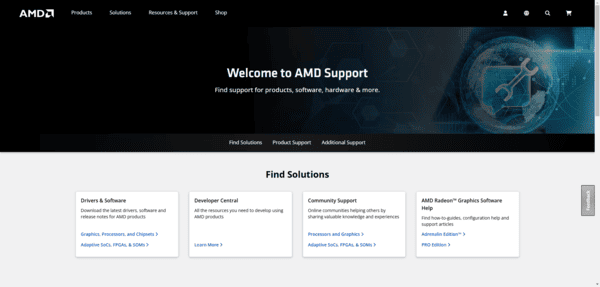
Then visit the official NVIDIA, AMD, or Intel website and download a driver compatible with your GPU and Windows version.
After installation, restart your computer.
If you already use a recent stable driver, do not assume that installing another version will automatically solve the problem.
Instead, continue investigating other possible causes.
Check Whether Windows Is Recording the Failure
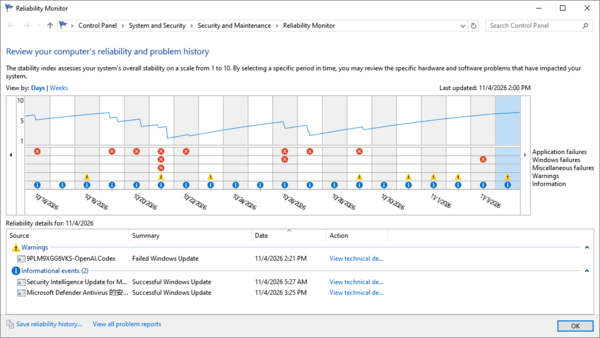
Press Windows + R, enter perfmon /rel, and press Enter.
A timeline of application failures and system events will appear.
Find the date and time when Assassin's Creed Black Flag Resynced crashed.
Select the relevant event and open its technical details.
You may see information such as the application name, faulting module, or exception code.
These details do not always identify the root cause, but they can help narrow the investigation.
Frequently Asked Questions
Does a faulting module in Reliability Monitor identify the cause?
It provides a clue, but not a definite diagnosis. A listed DLL may be where the failure occurred rather than what caused it. Record the module name and exception code for further investigation.
Should I change several settings together to fix crashes faster?
Change one thing at a time and repeat the same test. This makes it easier to identify which adjustment helps and undo changes that have no effect.
What if the entire PC restarts instead of only the game closing?
A full restart warrants checking system stability, temperatures, power delivery, and Windows error records. Disable any overclocking temporarily and investigate whether other demanding applications produce similar failures.
By testing one possibility at a time and reviewing available error information, you can narrow down the cause and work toward a more stable gaming experience.