Installing or updating AMD graphics drivers should be a straightforward process. However, some Windows users encounter AMD Error 195 when running the AMD Software installer, preventing the installation from continuing.
The error typically appears when the installer cannot connect to the online resources required to download or verify installation files. Even if your internet connection seems normal, firewall restrictions, antivirus software, VPN settings, or temporary AMD server problems may interrupt the process
If you are experiencing AMD Software Installer Error 195 on Windows 10 or Windows 11, follow the troubleshooting methods below.
Fix 1: Restart Your Internet Connection
Close the AMD Software installer.
Save your work and restart Windows.
Disconnect and reconnect to your Wi-Fi or Ethernet network.
Restart your router if the connection appears unstable.
Fix 2: Download the Full AMD Driver Package Manually
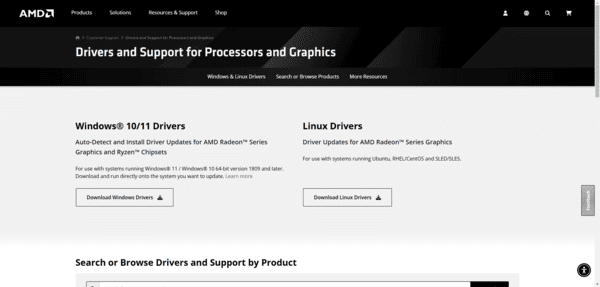
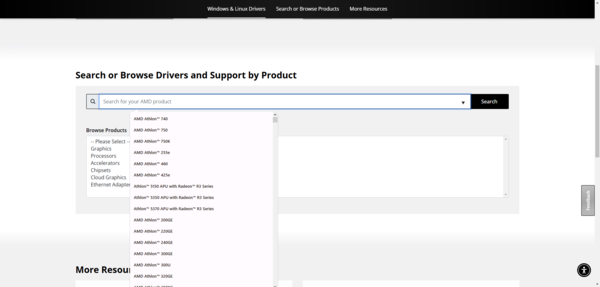
Visit the official AMD driver download page.
Locate your AMD graphics card or processor with integrated graphics.
Select the correct product model.
Choose your Windows version.
Download the compatible AMD Software package.
Open the downloaded installer.
Follow the on-screen instructions.
Restart Windows when prompted.
Make sure you select the correct hardware model.
Fix 3: Check Windows Firewall Settings
Press Windows + I to open Settings.
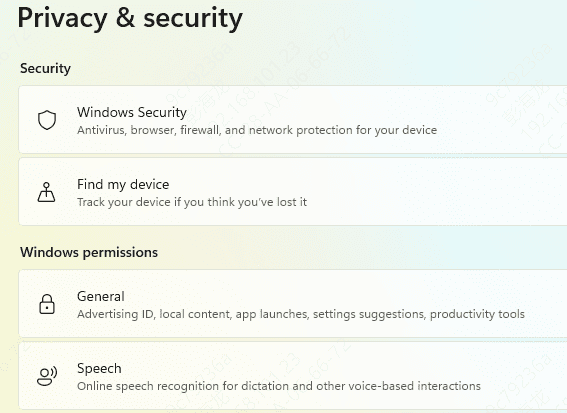
Navigate to Privacy & security > Windows Security on Windows 11.
Open Firewall & network protection.
Select Allow an app through firewall
Review the listed applications and permissions.
Fix 4: Review Antivirus Software Restrictions
Open Windows Security or your installed antivirus application.
Review recent protection history or security alerts.
Look for blocked AMD installer files or connections.
Confirm that the installer was downloaded from AMD's official website.
Fix 5: Check VPN and Proxy Settings
Open Settings.
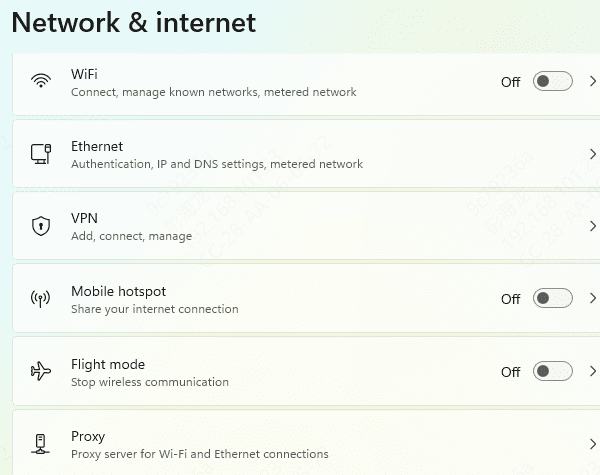
Select Network & internet.
Click Proxy.
Review the configured proxy options.
If you use a personal proxy that is no longer needed, disable it temporarily.
Restart the AMD installer.
Fix 6: Refresh DNS and Network Configuration
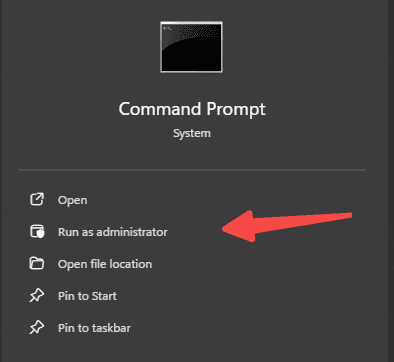
Type cmd in Windows Search.
Open Command Prompt.
Enter the following command:
ipconfig /flushdns
Press Enter.
Wait for the confirmation message.
Retry the AMD installer.
If your computer is experiencing broader network connectivity problems, you can also refresh its DHCP address.
Open Command Prompt and run:
ipconfig /release
Then enter:
ipconfig /renew
Fix 7: Download the Latest AMD Installer
Close the current AMD installer.
Open your Downloads folder.
Remove the outdated installer file if you no longer need it.
Visit AMD's official driver support website.
Download the current installation utility.
Confirm that the download completes successfully.
Run the new installer.
Fix 8: Check Network Drivers
AMD Error 195 is primarily a web-resource access problem, but Windows network driver issues can sometimes contribute to broader connection instability. If you experience network problems outside the AMD installer, checking your network drivers may be worthwhile.
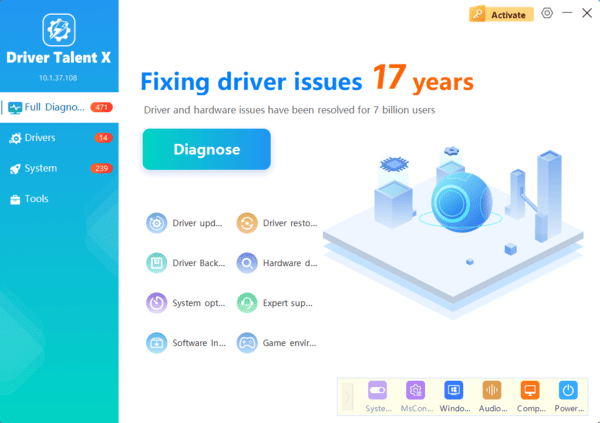
Driver Talent X is a Windows driver management utility that can identify supported missing, outdated, or problematic drivers.
Download Driver Talent X.
Install and launch the application.
Run a system driver scan.
Review any detected network adapter driver issues.
Install appropriate compatible driver updates if available.
Restart Windows.
Frequently Asked Questions
What Does AMD Error 195 Mean?
AMD Error 195 means the AMD Software installer cannot access required online resources.
The issue may involve network connectivity, security restrictions, proxy settings, or temporary AMD server problems.
Can Antivirus Software Cause AMD Error 195?
Yes. Certain antivirus or endpoint security configurations may interfere with installer files or network connections.
Review security alerts and verify the installer before making any exceptions.
What Is the Difference Between AMD Error 195 and Error 196?
AMD Error 195 indicates that the installer cannot access required web resources.
AMD Error 196 generally indicates that the installer cannot download the required installation package.
The errors are related to installation resource access, but they describe different failure conditions.
Conclusion
AMD Error 195 usually occurs when the AMD Software installer cannot reach the online resources needed to complete installation.
Start by checking your internet connection and downloading the correct full AMD driver package. If the error persists, review firewall restrictions, antivirus settings, VPN connections, and DNS configuration.
Driver Talent X can provide an additional way to investigate supported Windows network driver issues when broader connectivity problems are present.
If none of these methods resolves the error, review AMD installer logs and contact official AMD support for further assistance.