AMD GPU driver updates are not just about getting a newer version—they can affect frame rates, game compatibility, graphics stability, and how well Windows communicates with your graphics card. The best update method depends on whether you want full control over the driver version or a faster automatic option. This guide compares several ways to download AMD graphics drivers.
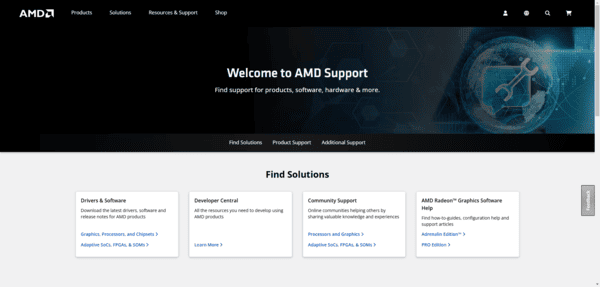
Download from Official AMD Website
The AMD website provides direct downloads for all supported GPU models
Simply select your GPU series, model, and Windows version, then download the latest stable driver
Advantages: Latest official drivers, options for beta or stable releases
Disadvantages: Users must know their GPU model to avoid errors. Not suitable for users who wants an automated update way
Windows Update
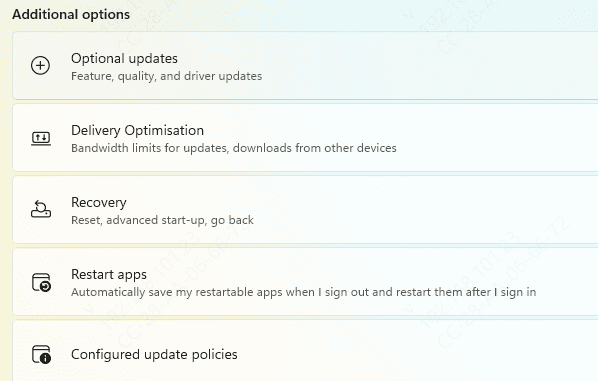
Windows Update sometimes provides optional driver updates
Navigate to Settings → Windows Update → Check for Updates, and install any available driver updates
Advantages: Safe and verified by Microsoft
Disadvantages: Often not the newest release
Device Manager
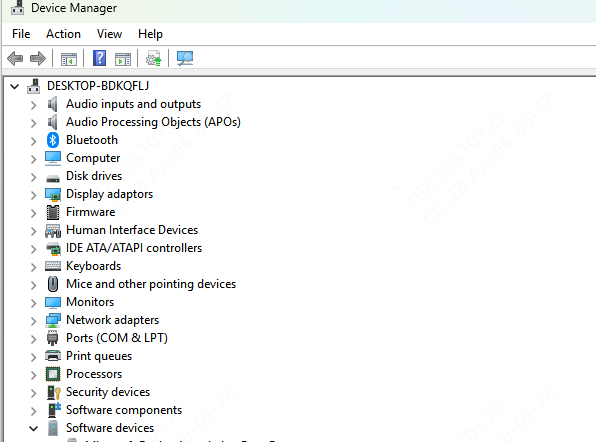
Device Manager allows you to update your GPU drivers manually
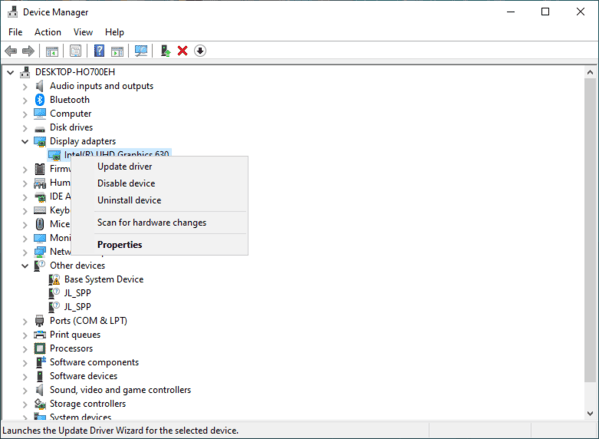
Expand Display adapters, right-click your AMD GPU, and select Update driver → Search automatically for drivers
Advantages: Quick and built into Windows
Disadvantages: May not provide the latest performance optimizations
Automated Update Using Driver Talent X
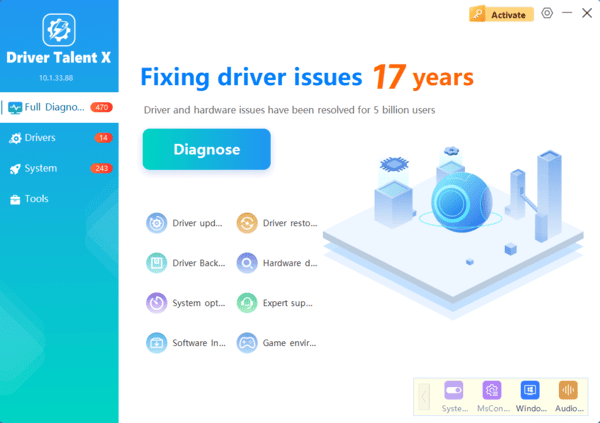
Driver Talent X provide an all-in-one solution: scanning, downloading, and installing the correct driver automatically.
Install Driver Talent X
Click Scan to detect outdated or missing AMD drivers
Click Update to download and install the latest driver
Restart your PC to complete the installation
Advantages: Fast, safe, reduces errors, suitable for beginners and advanced users alike
Tips for a Fast and Safe Download
Verify GPU and OS Before Downloading
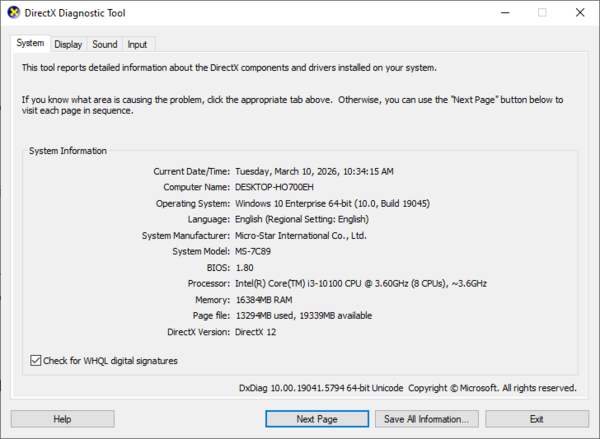
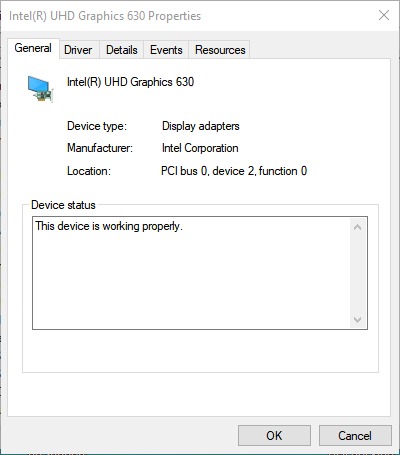
Before downloading any driver, confirm your GPU model and Windows version via Device Manager → Display adapters → Properties, or using DxDiag
This avoids installation of incompatible drivers
Check Driver Release Notes
Review release notes to ensure the driver includes improvements relevant to your usage scenario, whether it's gaming, workstation applications, or general performance
Avoid Interruptions During Download
Close background downloads, pause antivirus scans temporarily, and use a stable network to prevent corrupted downloads or partial installations
Prefer Offline Installer for Slow Connections
Offline drivers allow installation without repeated downloads
This is especially useful for multiple PCs or systems with limited bandwidth
Installation Strategies
Standard Installation: Keeps previous settings, suitable for minor updates
Clean Installation: Removes all previous driver files for a fresh start, recommended if previous drivers caused errors or crashes
Post-Installation Verification
After installation, verify the driver version in AMD Radeon Software or Device Manager → Display adapters → Properties →Driver tab
Test games or graphics-intensive applications to confirm performance and stability
Troubleshooting Download and Installation Issues
Download fails: Check your network, try official mirror sites, or download the offline installer
Installation fails: Remove residual driver files, perform a clean installation, and restart your PC
Driver not compatible: Roll back to a previous stable version from AMD archives
Maintaining Download Efficiency
Regularly check for driver updates using AMD Radeon Software, Device Manager, or automated tools like Driver Talent X
Enable notifications for new driver releases
Maintain a backup of current drivers to prevent issues during future updates
Conclusion
Whether you are a gamer, creative professional, or casual user, knowing how to download AMD GPU drivers easily ensures smooth graphics performance, stability, and reliable system operation. By selecting the method that suits your scenario—manual, automated, Device Manager, or Windows Update—you can enjoy hassle-free driver management. Automated tools like Driver Talent X provide an efficient and safe solution, making driver maintenance quick and effortless. Keeping your drivers up-to-date protects your system and enhances your GPU performance for years to come.