Keeping your HP EliteBook 840 G8 drivers up to date is essential for maintaining optimal performance, stability, and compatibility with Windows 10 or Windows 11. Outdated or corrupted drivers can lead to system instability, poor hardware performance, and even crashes. Regularly updating your drivers ensures that your system runs smoothly, resolves issues like device malfunctions, and enhances overall system performance.
Updating Drivers via Device Manager
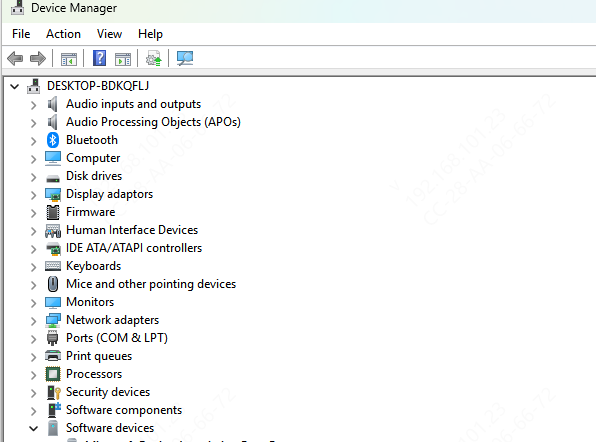
Device Manager is a built-in Windows tool that allows you to manually update specific drivers for your HP EliteBook 840 G8.
Open Device Manager: Right-click the Start Menu and select Device Manager
Find the Device Category: Expand the category for the driver you want to update (e.g., Display Adapters for graphics or Sound, video and game controllers for audio)
Update the Driver: Right-click the device and select Update Driver
Search for Updates: Choose Search automatically for updated driver software. Windows will search for the latest driver
Install and Restart: If Windows finds an update, it will install it automatically. Restart your laptop to complete the process
Downloading Drivers from the HP Website
If you prefer more control over which drivers are installed, you can manually download them from the HP website.
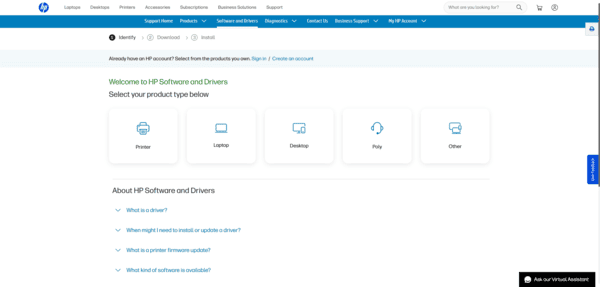
Visit the HP Support Website: Go to the HP Support page
Search for Your Model: Enter HP EliteBook 840 G8 into the search bar or use the Detect My Product feature
Select Your OS: Choose Windows 10 or Windows 11 as your operating system
Browse Drivers: Go to the Drivers & Downloads section and find the relevant drivers (e.g., for graphics, audio, or network)
Download the Driver: Click Download next to the desired driver (typically an .exe file)
Install the Driver: Run the downloaded file and follow the installation instructions
Restart Your Computer: After the installation is complete, restart your laptop to finalize the updates
Automatically Update Drivers with Driver Talent X
For users who want an even easier way to manage their driver updates, Driver Talent X is an excellent tool to automatically find, download, and install the latest drivers for your HP EliteBook 840 G8. It's perfect for those who want a simple and hassle-free experience without manually checking for updates.
Download and Install Driver Talent X: Go to the official Driver Talent X website and download the software
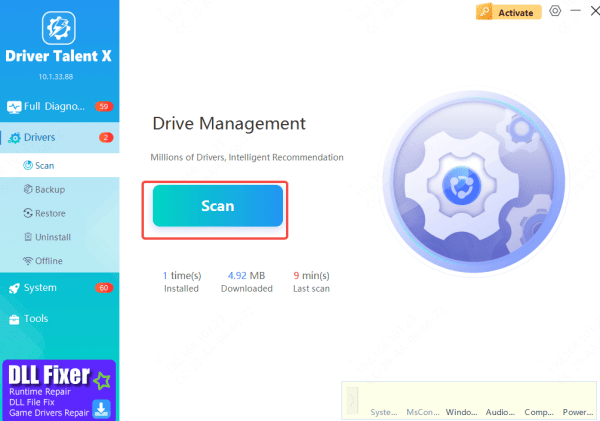
Run a System Scan: Open Driver Talent X and click on the Scan button to automatically detect outdated or missing drivers on your HP EliteBook 840 G8
Update Drivers: Once the scan is complete, Driver Talent X will display a list of drivers that need updating. Click Repair Now to automatically download and install the latest versions
Restart Your Computer: After the update is complete, restart your system to ensure all updates are applied correctly
Using Windows Update to Update HP Drivers
Windows Update can sometimes offer essential driver updates for your HP EliteBook 840 G8. While it may not always provide the latest version, it can help with key driver updates.
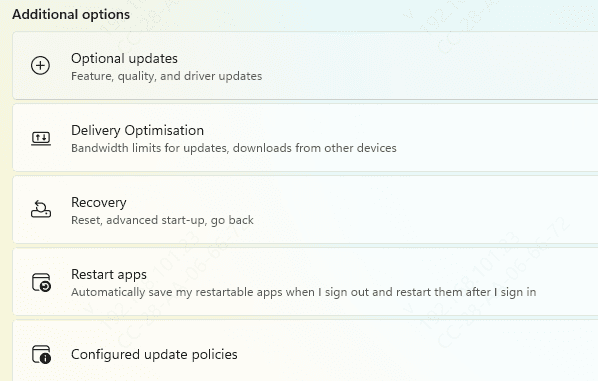
Open Settings: Go to Settings > Update & Security > Windows Update
Check for Updates: Click on Check for Updates
Install Optional Updates: If any optional driver updates are available, they will appear under View Optional Updates
Install and Restart: Install the updates and restart your laptop to complete the process
Using HP Support Assistant
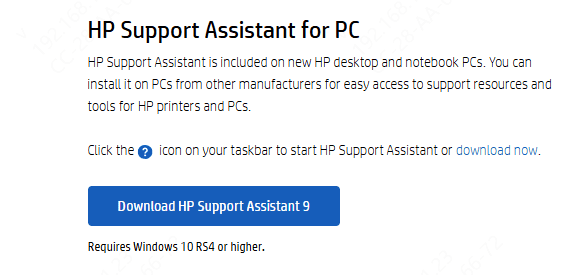
Launch the application on your HP EliteBook
Go to the Updates tab and click Check for Updates
Select the updates you want to install (drivers and software) and click Update All
After the updates are installed, restart your laptop to apply the changes
Conclusion
Keeping your HP EliteBook 840 G8 drivers up to date is crucial for ensuring that your system performs optimally and is free from hardware or software-related issues. Whether you choose to use HP Support Assistant, Device Manager, or manually download drivers from the HP website, the key is to update regularly. For a fully automated solution, Driver Talent X is an excellent choice to ensure that all your drivers are always up to date with minimal effort.